
Delegate from your wrist, before your hand comes down
Raise your Apple Watch, dictate a WhatsApp voice note, and Sonic sets the reminder, saves the note, or sends the follow-up. No phone, no.
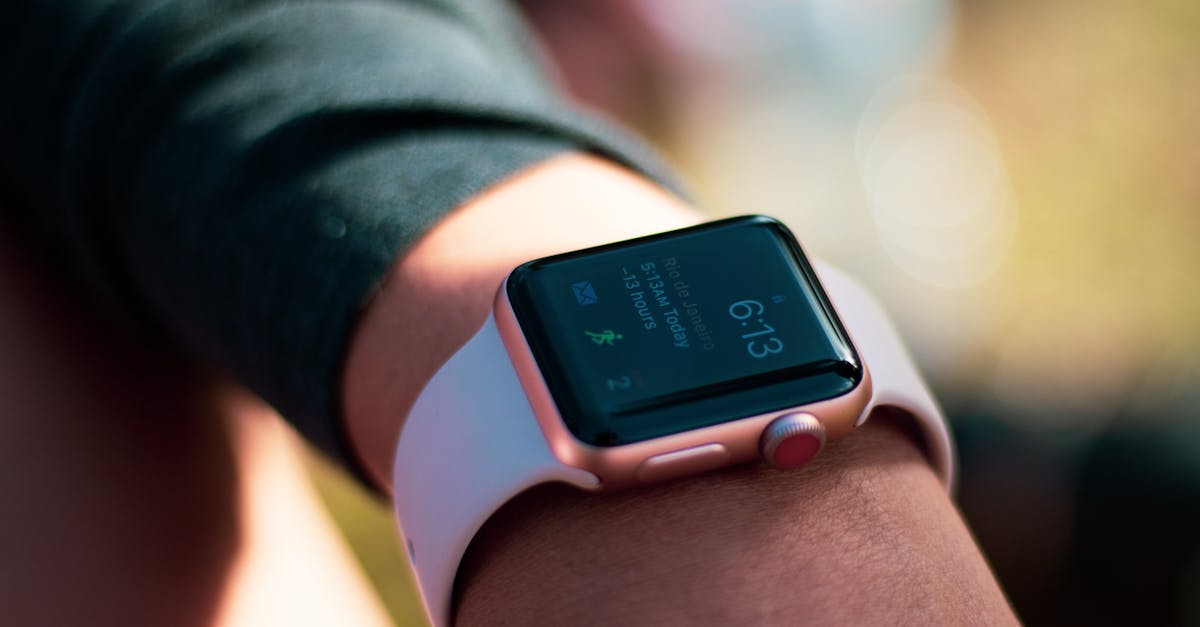
Hands full? Just talk to your watch
Reminders you speak, not type
"Remind me to move the car at 6." Sonic hears it on your watch and fires the reminder right on time.
Follow-ups that go out for you
"Message Dana and ask if the invoice is approved." Sonic sends it and reports her answer back to your chat.
Notes saved the second you think of them
"Save this: the client prefers mornings." It lands in your memory, ready when you ask for it next week.
Why your wrist is the fastest place to delegate
Think about the moments you actually forget things. You're carrying groceries, walking into a meeting, driving home, or halfway across the parking lot. Your phone is in your pocket and getting it out means stopping, unlocking, opening an app and typing. So the thought slips away, and you remember it at 2am instead.
Your Apple Watch fixes the gap. Raise your wrist, tap the WhatsApp voice note, and say it out loud: "Remind me to call the accountant every Monday at 9." That message goes straight to Sonic, and Sonic does the rest. The reminder is set, the recurring schedule is understood, and you never touched a keyboard.
Because Sonic lives inside your normal WhatsApp chat, there's nothing new to learn and nothing extra to install on the watch. You already know how to send a voice note. That's the whole interface. Whatever you'd type to a colleague, you can now just say to your wrist and let Sonic pick it up.
It's not only reminders, either. Ask it to save a note, chase a client for an answer, add something to your calendar, or check a document you were sent. You dictate the intent in plain words, and Sonic turns it into action, then reports back in the same chat when it's done.
Questions people ask before they try it
Do I need to install an app on my Apple Watch?
No. Sonic works through the WhatsApp voice notes you already send from your watch. There's no Sonic app for the watch, no dashboard and no setup on the device itself. If your Apple Watch can send a WhatsApp voice note, it can already reach Sonic and hand off the task.
How does Sonic hear what I say on my watch?
Your watch records a normal WhatsApp voice note and sends it to your Sonic chat, exactly like messaging a person. Sonic understands the request, whether it's a reminder, a note or a follow-up, acts on it, and replies in the same conversation so you can confirm it landed.
What can I actually get done from my wrist?
Anything you'd normally text Sonic. Set one-time or recurring reminders, save notes to your memory, send a follow-up message to someone and get their answer back, add events to Google Calendar, or ask a quick question. You speak the request and Sonic handles the admin.
Does this work without my phone nearby?
You send the voice note through WhatsApp, so as long as your watch has its usual connection to send messages, Sonic receives the request. When Sonic replies or a reminder fires, it arrives in your WhatsApp, so you'll see it on your watch and your phone both.
How much does Sonic cost?
Sonic is in early access right now, so rather than quoting a price, we're inviting people in gradually. Request access and we'll get you set up so you can try dictating reminders and follow-ups from your wrist yourself, then decide if it earns a spot in your day.
Talk to your wrist, let Sonic handle the rest
Request early access and start delegating reminders, notes and follow-ups by voice, straight from your Apple Watch.